 Higgsfield
 Cloudflare Pages
Design a website that looks like a real company built it
Pick 2 or 3 websites you love the look of. Take a screenshot of each.
Ask Claude for a mini brand kit: one main color, one font and one style line for your pictures.
Make 4 matching pictures in Higgsfield. Make the main one first, then use it as the reference so the rest look like the same artist made them.
Ask Claude to build the page as one file: a top bar, a big centered headline, 3 picture cards, a dark closing band and one main button.
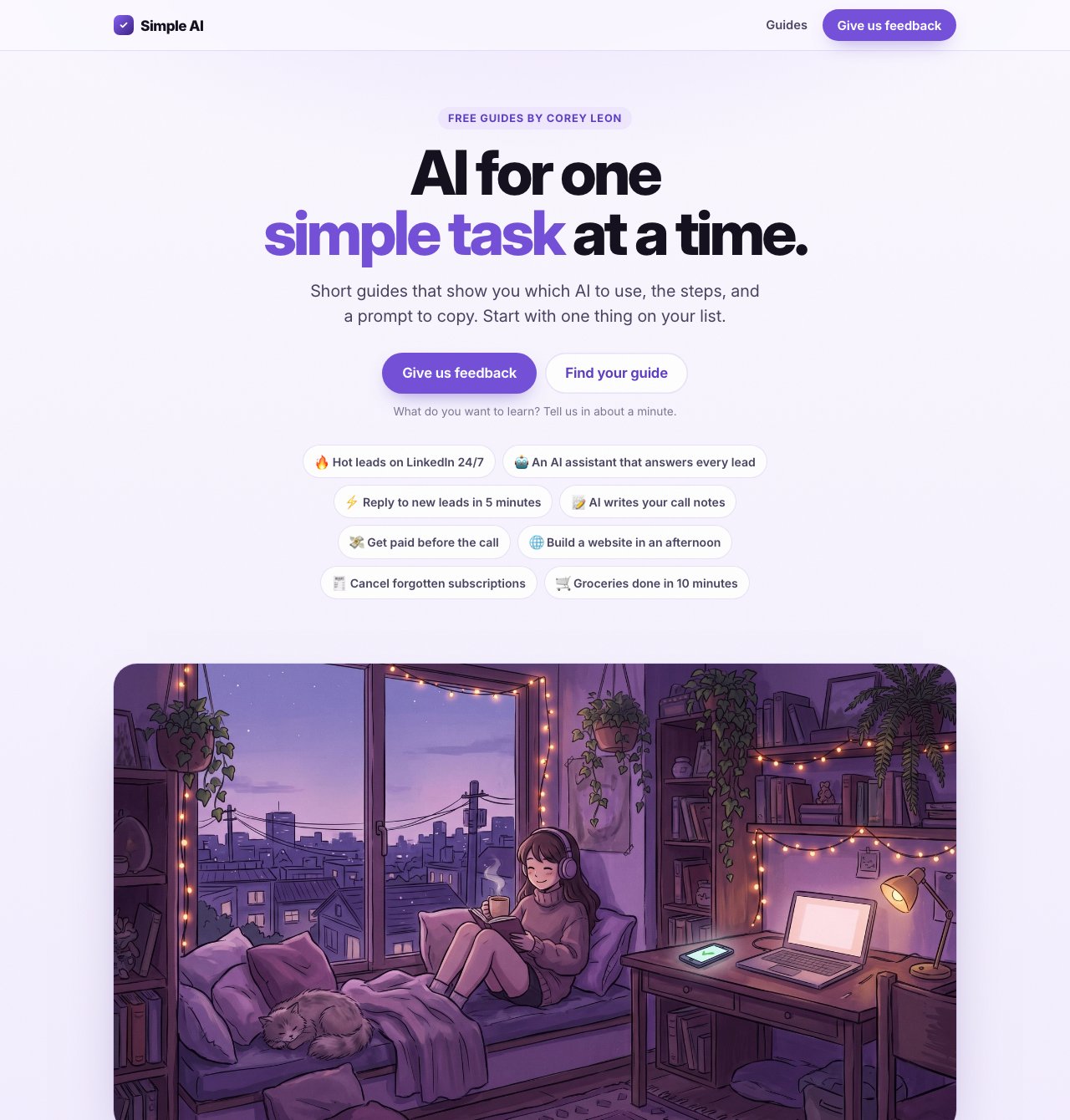
Open it on your phone. Ask Claude to act like a picky designer and fix 10 things. Then put it live on Cloudflare Pages.
PromptPaste into  Claude
ClaudeI want to: Design a website that looks like a real company built it. You give AI a few sites you love, a color and a font. It builds a clean one-page site with matching pictures that looks like a real company made it. This is exactly how this site was built. I'm still learning this, so be my coach, not just my helper. HOW TO WORK WITH ME 1. Before you start, ask me for everything in [brackets] below. Ask one question at a time and wait for my answer. 2. If I don't know an answer, give me an example and help me pick. 3. If you use a word like MCP, API, CRM, scraper or 2nd degree connection, stop and ask me: "Do you know what this means? Want me to explain it?" 4. Before each step, tell me in one line what it does and why it matters. 5. Go one step at a time. Wait for me to say "done" before the next step. If I'm stuck, tell me exactly where to click. 6. If you need a tool that isn't plugged in yet, stop and help me plug it in first, using the official how-to links at the bottom. HOW I DO IT (follow these steps, in this order) 1. Pick 2 or 3 websites you love the look of. Take a screenshot of each. 2. Ask Claude for a mini brand kit: one main color, one font and one style line for your pictures. 3. Make 4 matching pictures in Higgsfield. Make the main one first, then use it as the reference so the rest look like the same artist made them. 4. Ask Claude to build the page as one file: a top bar, a big centered headline, 3 picture cards, a dark closing band and one main button. 5. Open it on your phone. Ask Claude to act like a picky designer and fix 10 things. Then put it live on Cloudflare Pages. YOUR JOB You are a senior web designer. Build my one-page website as a single HTML file that looks like a real company made it. My business: [what you do, for who] The one thing I want visitors to do: [button text] that goes to [link] Sites I love the look of: [names or screenshots] My color: [one main color] My font: [a Google font, like Inter] My pictures: [file names, or leave spots for them] Build it like this: 1. A slim top bar with my name on the left and the main button on the right. 2. A big, bold, centered headline with one short line under it and the main button. 3. One big picture under the headline. 4. 3 cards, each with a short title, 2 lines of text and a picture. 5. A dark closing band with the headline idea again and the button. 6. A one-line footer. Design rules: - One main color only. Lots of white space. Rounded corners and soft shadows. - Headlines big and bold with tight letter spacing. Body text easy to read. - Short, simple words. No buzzword soup. - It must look great on a phone. No sideways scrolling. - Fast. No extra libraries. When it's built, act like a picky designer. List 10 things that look cheap or messy, fix them all, and give me the final file. WHEN WE'RE DONE - Check with me that this is true: It looks like a real company made it, on your phone and your laptop. - Sum up what we did in 3 short lines. - Ask me 2 quick questions so I remember how to do it next time. - Tell me what to do next. OFFICIAL HOW-TO LINKS - Claude (MCP): https://support.claude.com/en/articles/11175166-get-started-with-custom-connectors-using-remote-mcp - Cloudflare Pages (App): https://developers.cloudflare.com/pages/get-started/direct-upload/